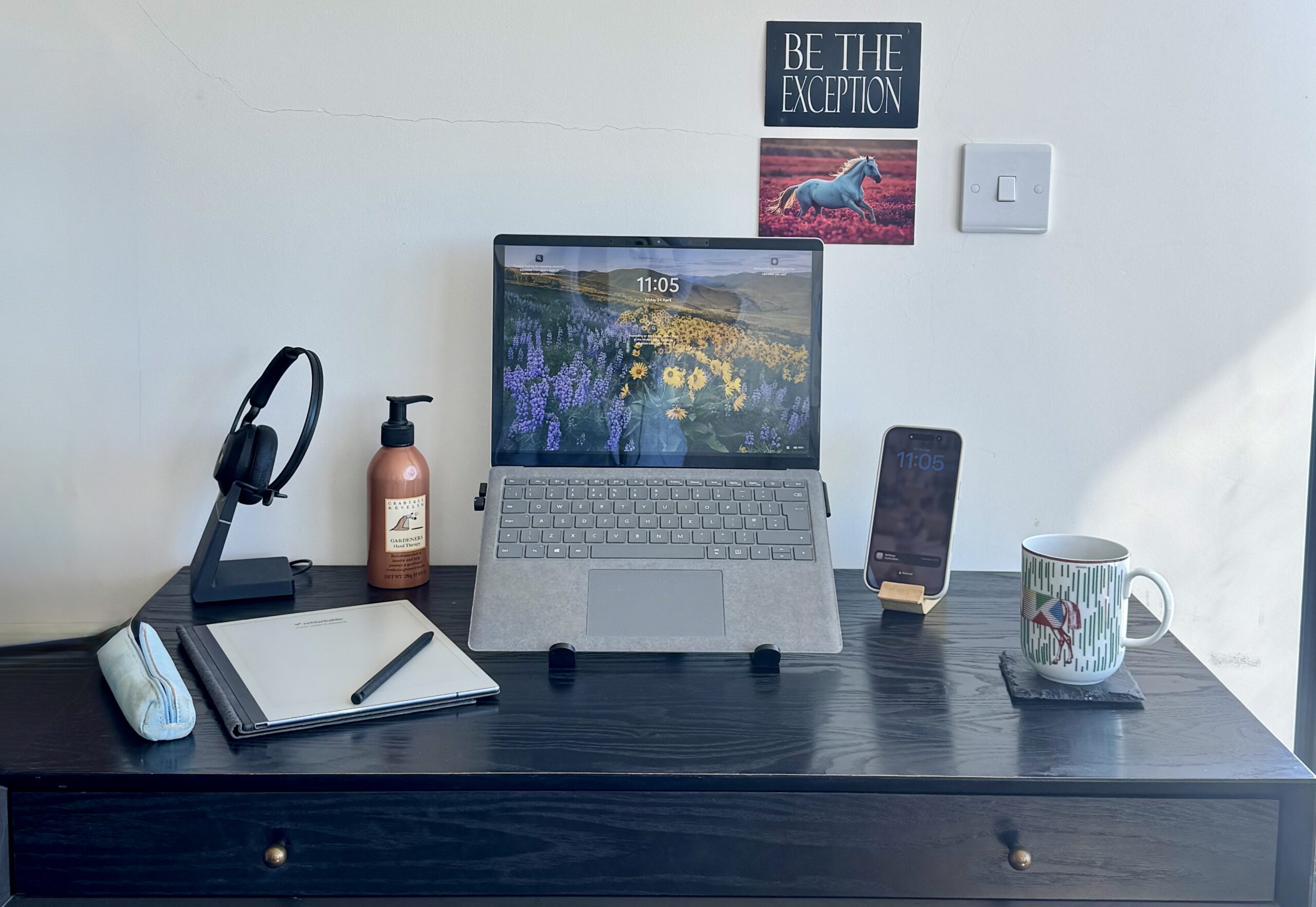
WFH Set up/My Mobile Office
As a working parent, I need to be able to set up and start work anywhere – fast.
Here is my WFH set up and the 4 things that keep my work organised.
Firstly, I have tried many combinations over the years, I resembled a donkey carrying a pack load at times (anyone else remember commuting in flats with your Jimmy Choos in your bag along with everything else!) This combination I’m sharing is yet to fail me at home, in the office, coffee shop pit stops and even working abroad.
Investments worth making
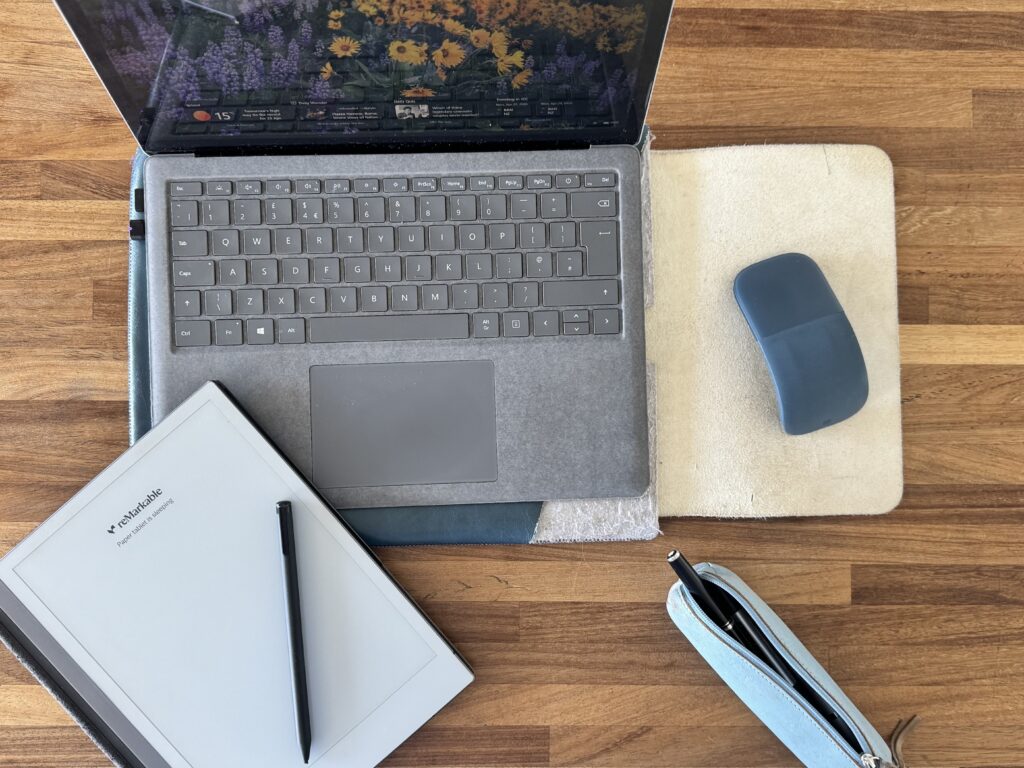
Microsoft Surface Laptop
No doubt you have a work laptop or personal, but if you are looking for a replacement, I can highly recommend my Microsoft Surface. It’s my second and when I need to replace this, I will buy the same again.
Why I rate it: It’s tactile, the touch screen is really handy and as we run on 365 and MS products, this was the nicest alternate to a Mac I could find.
The downsides: It’s slightly more expensive that others, but average price per year has been better value.
The verdict: ★★★★★ Love.
Laptop Sleeve
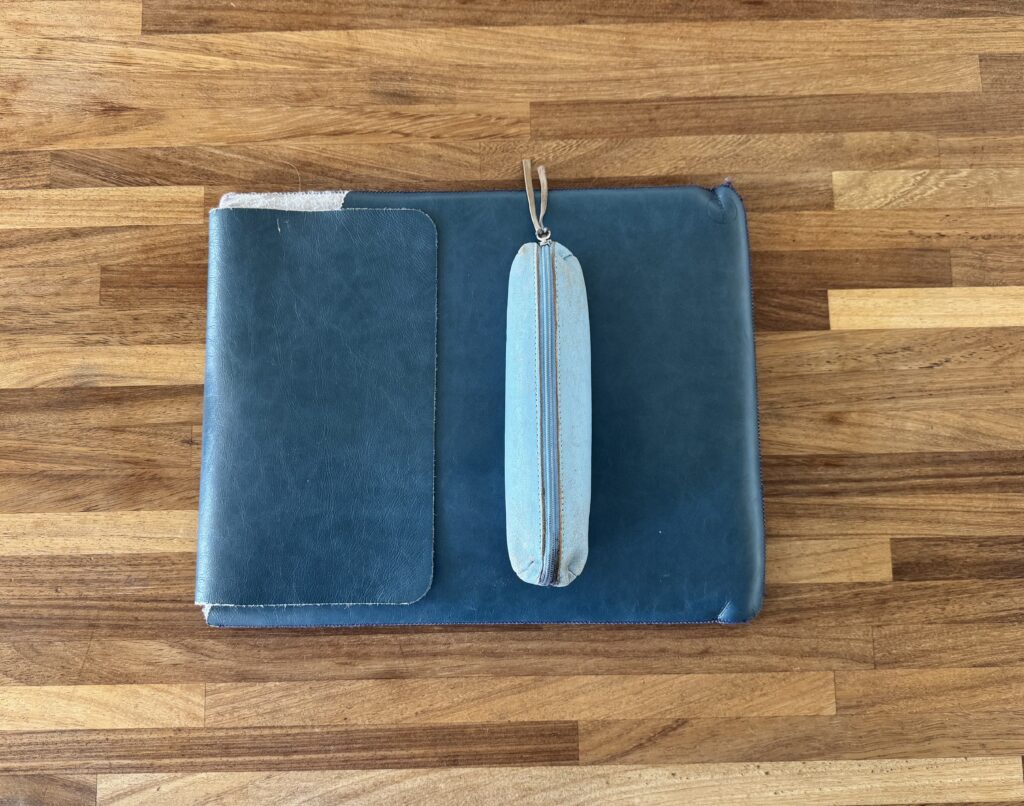
I wanted something that would double as a mouse mat and flat enough to place my laptop on when in public.
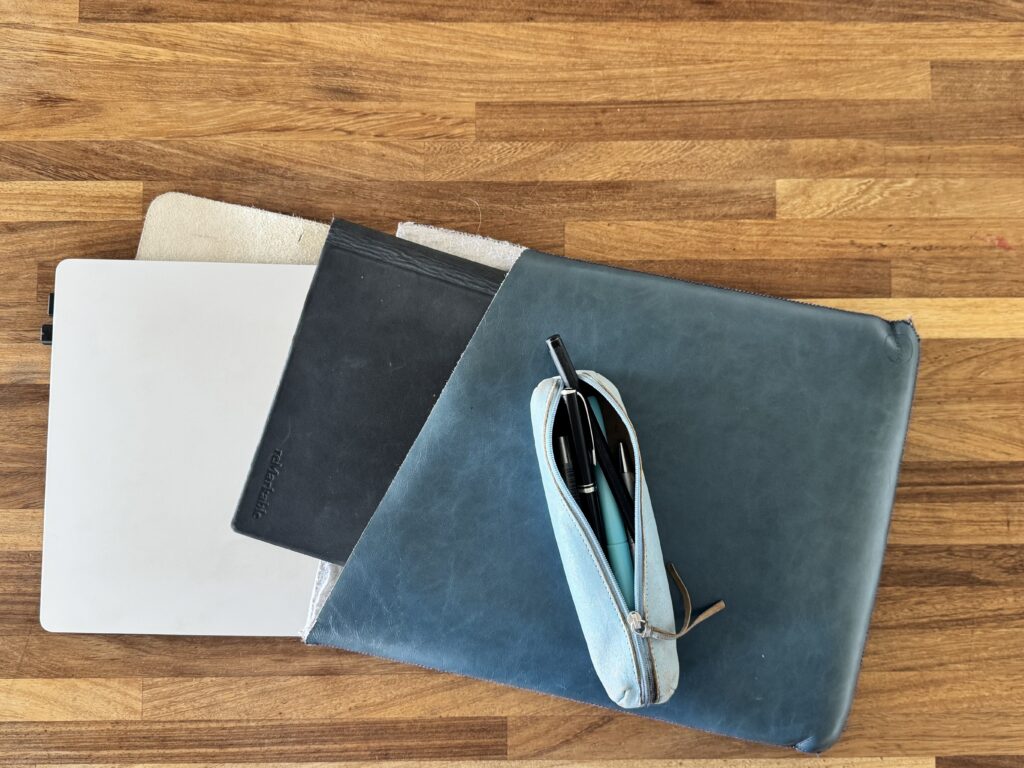
Why I rate it: I’ve had this for 8 years and its still going strong. It protects my laptop and remarkable
The downsides: This colour doesn’t seem to be available anymore, but I have my eye on this light pink….
The verdict: ★★★★☆ Love.
Pencil case
I hate losing nice pens at the bottom of my bag, but I hate losing the remarkable pen more…
Why I rate it: It works brilliantly to be organised and able to start working in seconds of landing somewhere.
The downsides: As it’s leather, the colour has warn and a couple of loose pen lids have resulted in a few stains. But if you like that warn in look, it’s fine.
The verdict: ★★★☆☆
Remarkable electronic note pad
I get asked everywhere about this one and it’s a complete game changer. I wanted something that would back up my notes, allow me to have multiple “notebooks” in one place but not allow notifications, distractions and other devices to link to it. Keeping it’s function pure as a notebook is exactly what I need. The set up of how you organise yourself is worth giving some thought to. Just like your inbox subfolders, you can create subfolders for your notebooks. For example, I have a client folder and a separate notebook for each client. It’s so easy to then pick up where I left off.
Why I rate it: Call me old fashioned but I still like to write notes, a to do list, a week plan, thoughts, ideas to revisit etc. This allows me to do these things, keep it backed up, convert writing to text, upload or share notes, have everything in one place and stay organised. I always take it to meetings as well as my day to day
The downsides: Don’t lose the pen! If you don’t write stuff down, you won’t see the point in this.
The verdict: ★★★★★
This post contains affiliate links. As an Amazon Associate I earn from qualifying purchases. This comes at no extra cost to you.